
Installing MovieBox
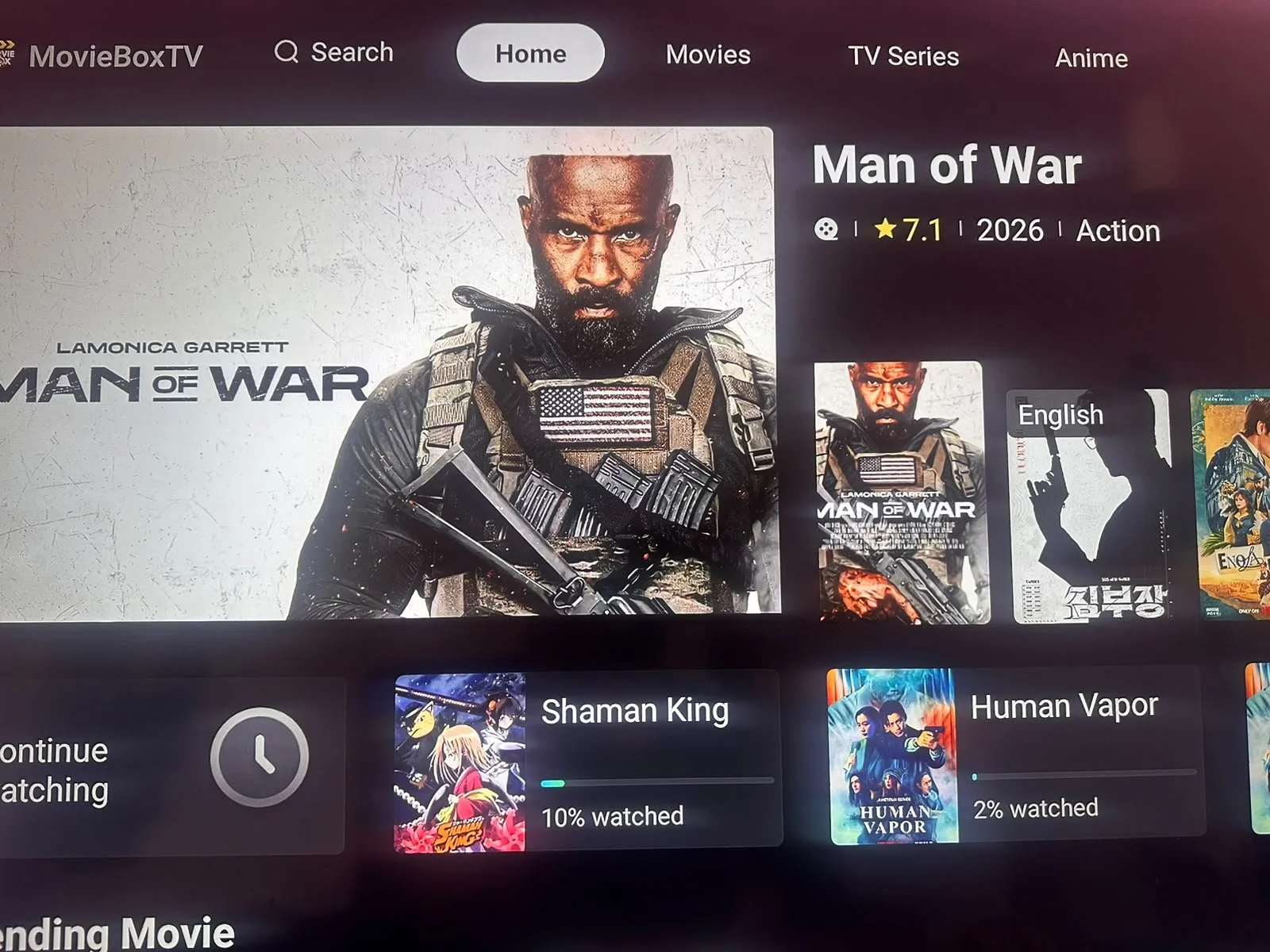
Movies, series, anime, and cartoons — regularly updated.
📋 What you'll need
- The Downloader app installed on your device
- Your login details from your account email
1
Enter the Setup Code
Open your Downloader app and type in this code: 7371129. This will redirect you to download and install MovieBox.
2
Open MovieBox
Once installed, open the app.
3
Enter Your Login Details
Type in the same login codes provided for your account.
4
Log In
Double-check your login information, then click Login.
5
Enjoy!
You're ready to experience MovieBox — it has almost all movies, series, anime, and cartoons out there, and is regularly updated.

Need help?
We're happy to walk you through it live.
